Effortless Wedding Elegance: Using Printable Stickers
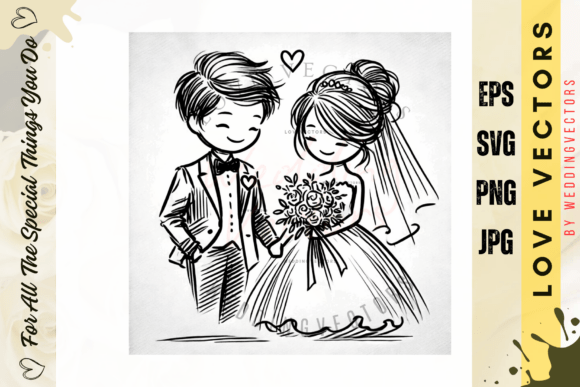
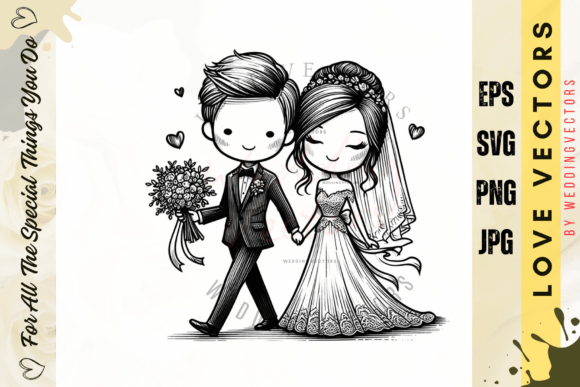
There is a specific kind of panic that sets in about six weeks before a wedding. You have the venue, the dress, and the catering sorted, but suddenly you realize you need personalized labels for the wedding favors, seals for the envelopes, and a cohesive design for the welcome signs. Traditionally, this is where costs skyrocket. Hiring a graphic designer for custom decals and waiting for a print shop to ship them can blow a tight budget and timeline. However, there is a modern solution that empowers DIY brides, wedding planners, and creative entrepreneurs to maintain high-end aesthetics without the luxury price tag. By leveraging digital assets like Wedding Printable Stickers, you gain instant access to professional design elements that you can customize and print right from your home or local print shop.
The Power of Digital Design Assets
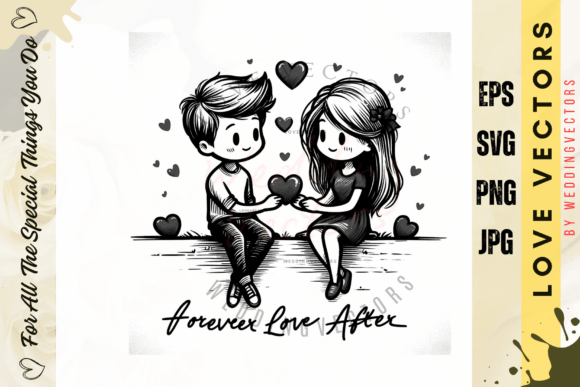
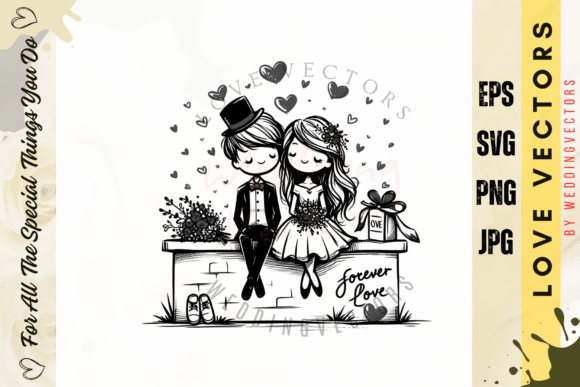
The beauty of modern design lies in flexibility. When we talk about "Wedding Printable Stickers," we aren't just talking about a sheet of paper with glue on the back. We are talking about a comprehensive design toolkit. The specific product we are looking at today is a masterclass in utility, provided as a ZIP file containing a robust folder of individual sticker files. For the uninitiated, file formats can be confusing, but this package is built to serve everyone from the casual crafter to the professional graphic designer.
The inclusion of EPS files (specifically EPS10) is a massive advantage for anyone using professional vector software like Adobe Illustrator or CorelDRAW. Vectors are the gold standard in design because they can be scaled to the size of a billboard or a postage stamp without losing a single pixel of quality. If you are a designer creating a large banner for the reception or a small logo for the napkins, these files ensure your edges stay crisp. Alongside the vectors, you receive SVG files. If you own a cutting machine like a Cricut or a Silhouette, SVGs are your best friend. They allow you to print the design and then have your machine cut around the sticker shape with surgical precision, eliminating the tedious work of hand-cutting.
For those who prefer simplicity or are working directly within Canva, Photoshop, or even Microsoft Word, the package includes high-resolution JPG and PNG files. These are rendered at 300 DPI (dots per inch), which is the industry standard for high-quality print. A common mistake in DIY printing is using web-resolution images (72 DPI), which results in blurry, pixelated stickers. By providing 300 DPI files sized at approximately 8 inches on the larger side, this product ensures that your final output looks professional and sharp.
Practical Applications Beyond the Big Day
While the name suggests a singular focus, the utility of these assets extends far beyond the ceremony. If you are a small business owner or a content creator, high-quality design assets are the fuel for your brand engine. Here is how you can repurpose these sticker files for broader commercial and creative projects:
- Packaging and Branding: If you run an Etsy shop, a bakery, or a boutique, you know that packaging is the first physical touchpoint a customer has with your brand. You can use these sticker designs to create seals for mailer boxes, labels for product jars, or branded tape. The ability to resize the files means you can create a cohesive look across different product sizes.
- Social Media and Web Design: In the digital realm, visual consistency is key. These PNG files, often featuring transparent backgrounds, are perfect for creating Instagram highlights, Pinterest graphics, or website accents. A well-placed sticker graphic can break up text-heavy blog posts or draw attention to a "Shop Now" button.
- Marketing Materials: Think about business cards, flyers, and brochures. Using a consistent set of graphics helps build brand recognition. A sticker motif used on a wedding invitation can be repurposed as a watermark on a digital portfolio or a graphic element on a business card for a wedding planner.
- Merchandise: With the rise of print-on-demand services, you can upload these designs to create actual merchandise like laptop decals, planner stickers, or tote bags.
Ensuring Visual Consistency and Color Accuracy
One of the most critical aspects of design is managing expectations regarding color. A helpful note provided with this product is a reminder that colors may differ from the actual download depending on your computer monitor and resolution. This is a fundamental concept in digital design known as the difference between RGB (screen color) and CMYK (print color).
Monitors emit light to create color, while printers use ink to absorb light. Consequently, a vibrant electric blue on your laptop screen might print as a deeper navy. As a designer or DIY enthusiast, it is vital to do a "test print" on a regular sheet of paper before committing to expensive sticker paper or vinyl. This saves you money and frustration. Furthermore, the disclaimer that this is a digital download only is a crucial detail for workflow planning. There is no shipping time, which is a lifesaver for last-minute projects, but it does require you to have access to a printer and the appropriate paper stock.
Design Strategy: Matching Assets to Goals
Choosing the right visual assets is about more than just aesthetics; it is about communication. When selecting a sticker design for a project, consider the "personality" of the graphic. Is it minimalist and modern? Is it ornate and vintage? This personality needs to align with your brand identity.
For example, if you are designing for a luxury tech brand, you might want to stick to clean lines and sans-serif typography pairings. If you are designing for a rustic farm wedding, you might look for textures and script fonts. The versatility of these sticker files allows them to be adapted, but the initial choice should be strategic.
Practical Tips for Implementation:
- Test Your Pairings: Don't just slap a sticker onto a design. Place it next to your chosen typography. Does the visual weight of the sticker overpower the text? Does the color palette clash? Good design is about harmony.
- Consider the Medium: If you are printing on clear sticker paper, remember that the color of the container or surface underneath will show through. You may need to add a white background layer (if the file allows) or choose a design that looks good with a bit of transparency.
- Review Licensing: While these assets are provided for your use, if you are using them for commercial projects (like selling the stickers themselves), always double-check the license terms. Generally, assets like these allow for use in end products, but reselling the raw source files is prohibited.
Ultimately, Wedding Printable Stickers are more than just decorative flair. They are a strategic asset for anyone looking to elevate their visual communication. Whether you are sealing envelopes for a summer wedding, branding your new small business, or creating engaging content for your blog, having a library of high-quality, scalable, and versatile design elements allows you to work faster and more professionally. By understanding the file formats, respecting the technical requirements of print, and applying a strategic eye to your design, you can transform simple digital files into tangible, beautiful realities.